
ISO 21500-aligned project management toolHand over development without juggling tools.
Chat, specifications and progress all live in one place: our own project management tool, aligned with the international standard ISO 21500. You can check everything on your own screen, any time.
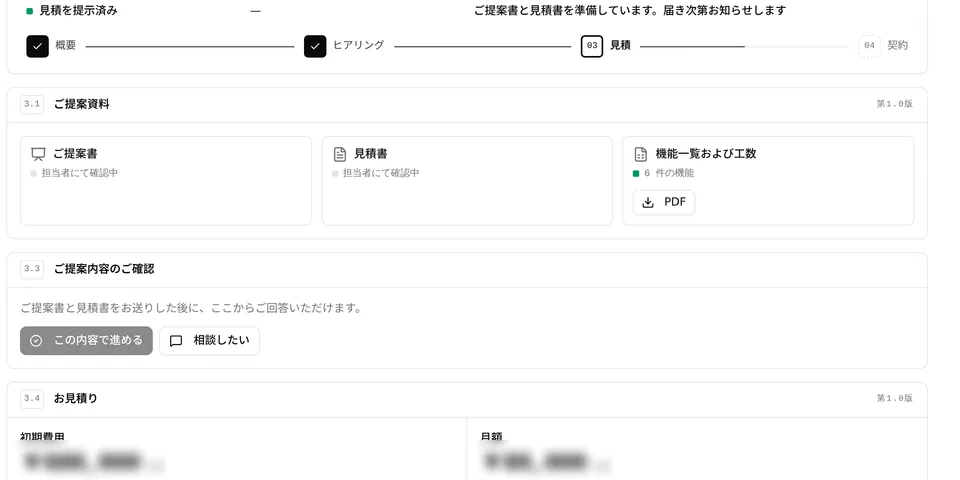
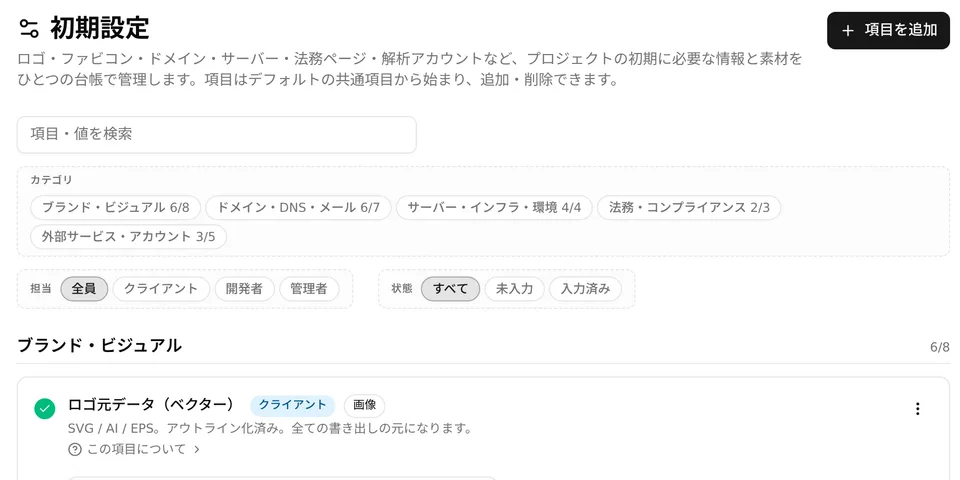
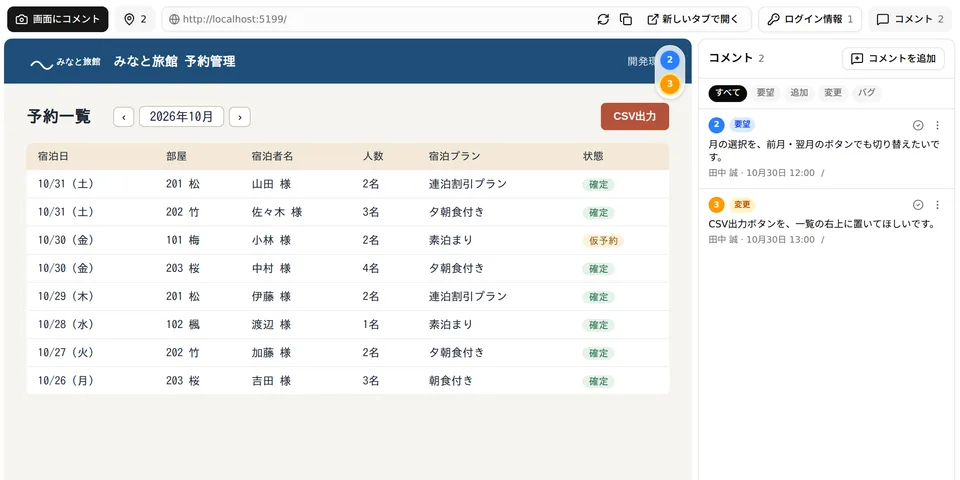
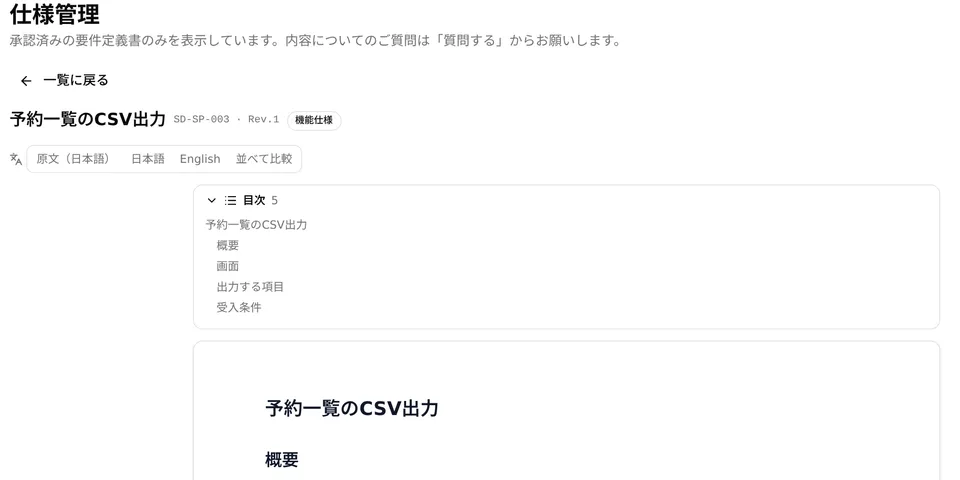
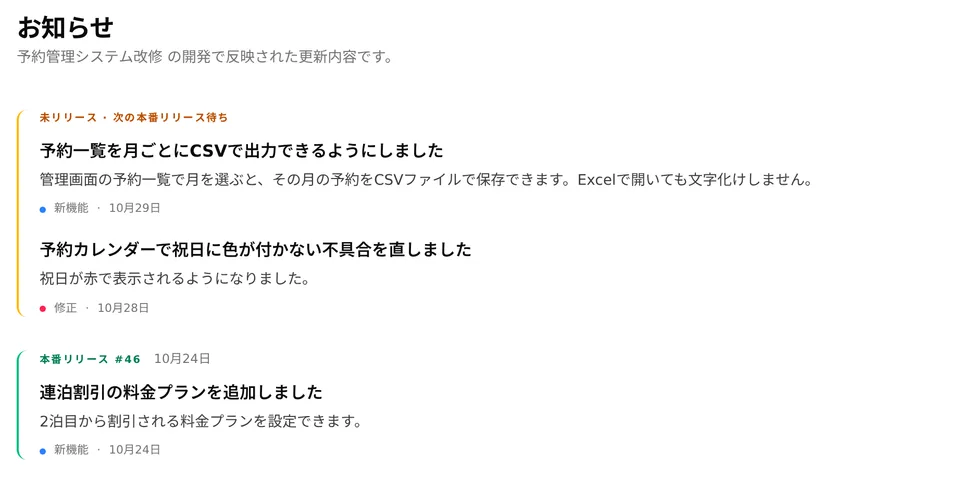
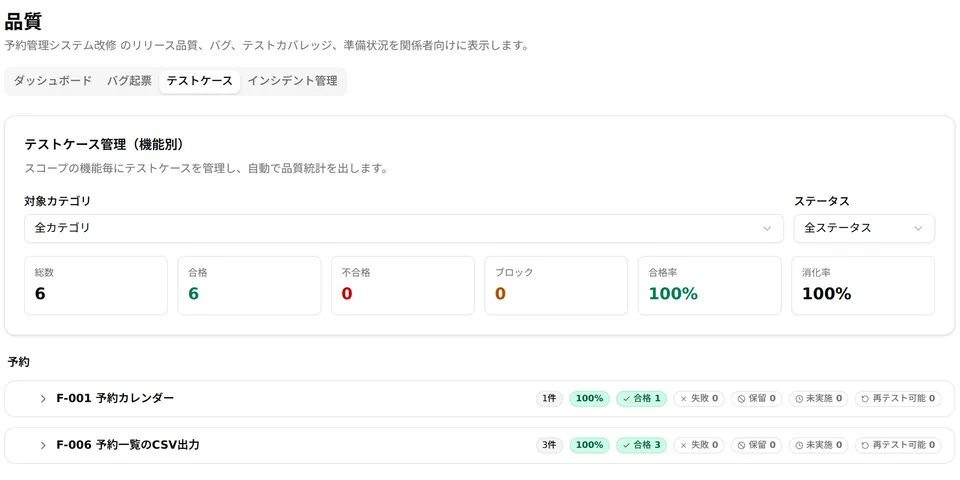
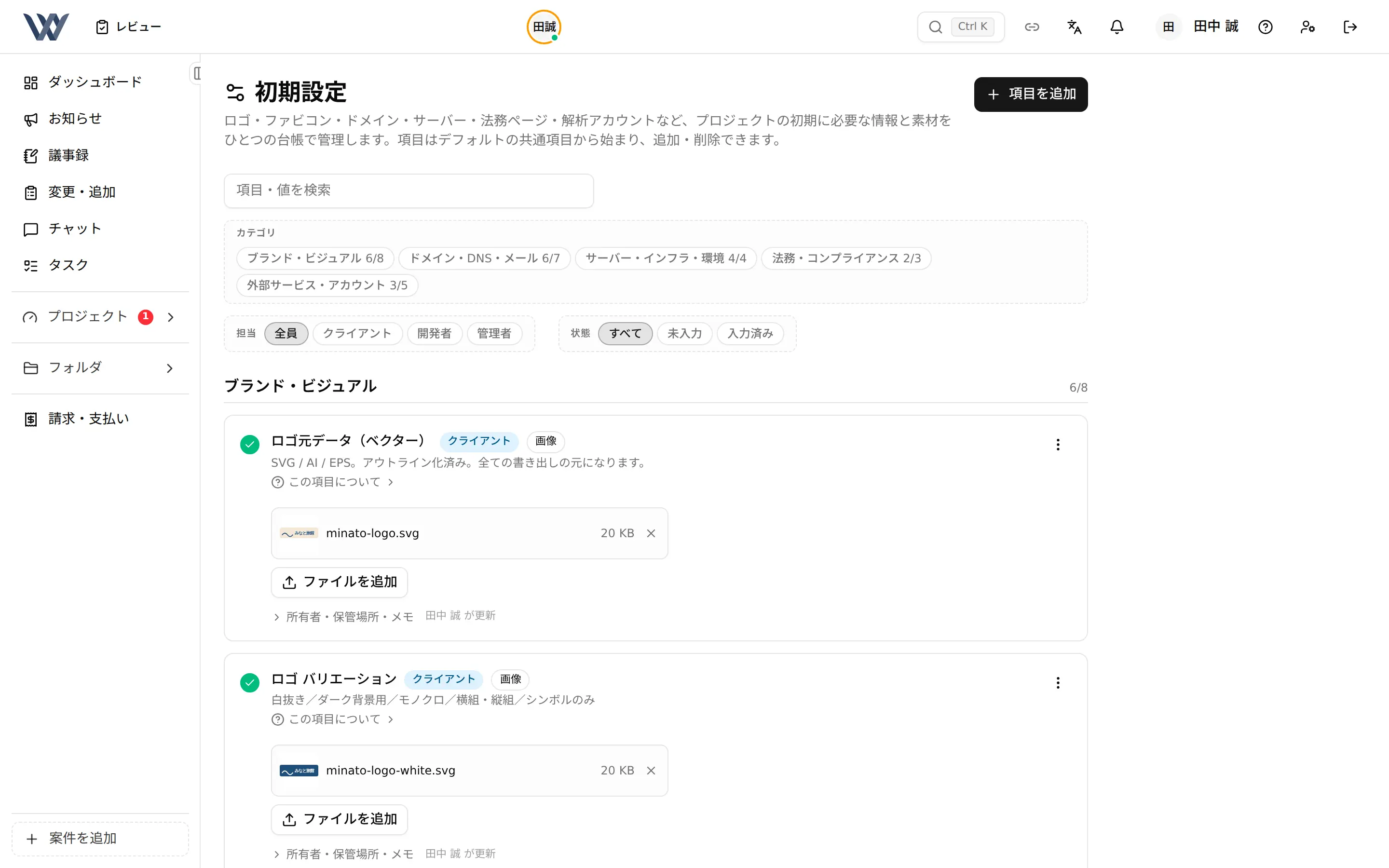
An example: one change request, followed on the client's screens
A request written in chat is registered as an addition or change.
Real screens, shown in Japanese (the tool also runs in English). Company names and data are samples.
Why We Built Our Own Project Management Tool
It began with a real struggle: running Slack, Jira, Notion and more side by side, we spent great effort connecting the tools and carrying project data from one to another. We were also paying monthly licence fees for overlapping features, with business data piling up outside the company.
So we took the core of project management back into our own hands and brought it into one tool, based on ISO 21500 and PMBOK. We run your projects the same way we proved on our own.
Scattered tools, one screen
Requirements, tasks, quality, changes and minutes now sit in one place, and the per-seat licence fees are gone.
Tokyo and Kathmandu on the same screen
With AI simultaneous translation, the Japanese and English screens always match, so information rarely drifts apart across languages and time zones.
With clients: from reporting to sharing
We keep the project’s status visible and shared with you on the same screen at all times.
- Aligned with the international standard for project management
- ISO 21500
- Certified for quality and information security
- ISO 9001 / 27001
- Management screens
- 73screens
- Time to build
- 8months
From First Consultation to Delivery
marks the points where you check on screen before we move on.
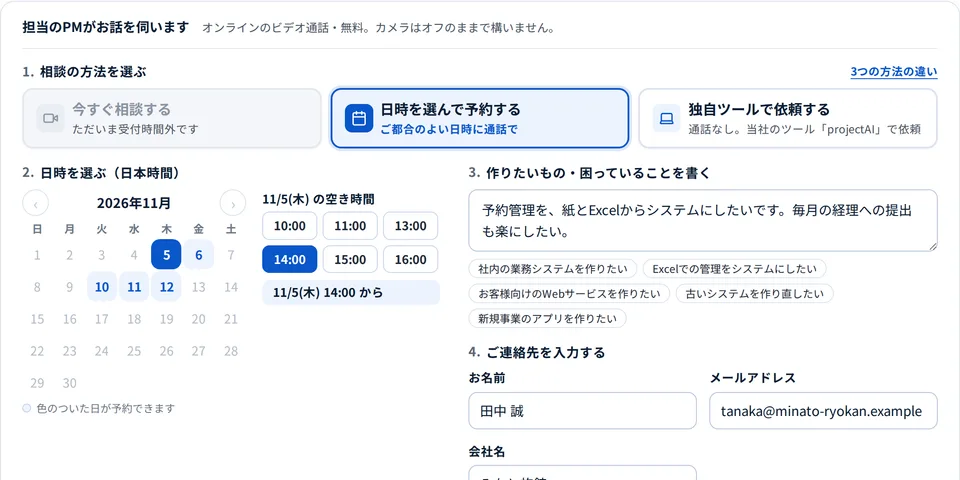
Consultation and estimate
We hear what you want to build and deliver the estimate and plan to your own screen.
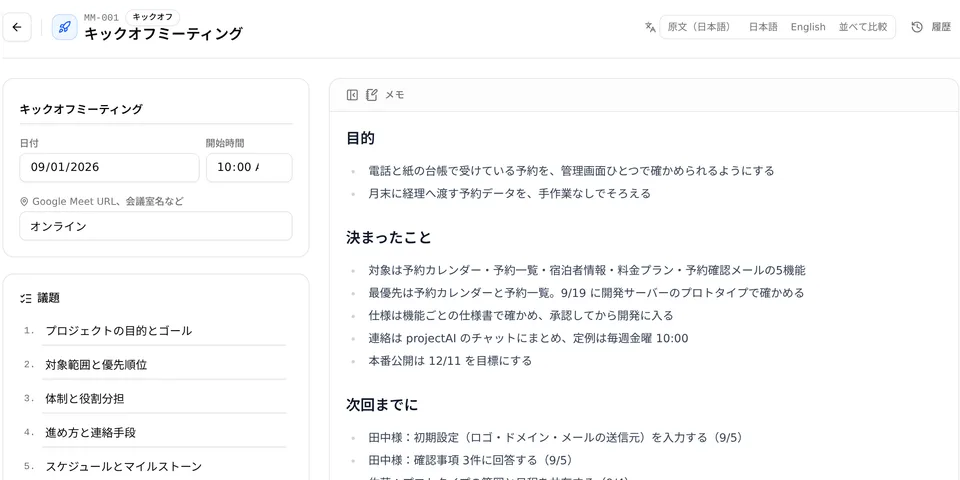
Deciding what to build
From the initial settings and open questions we build a prototype, check it on the development server, then write it up as specifications.
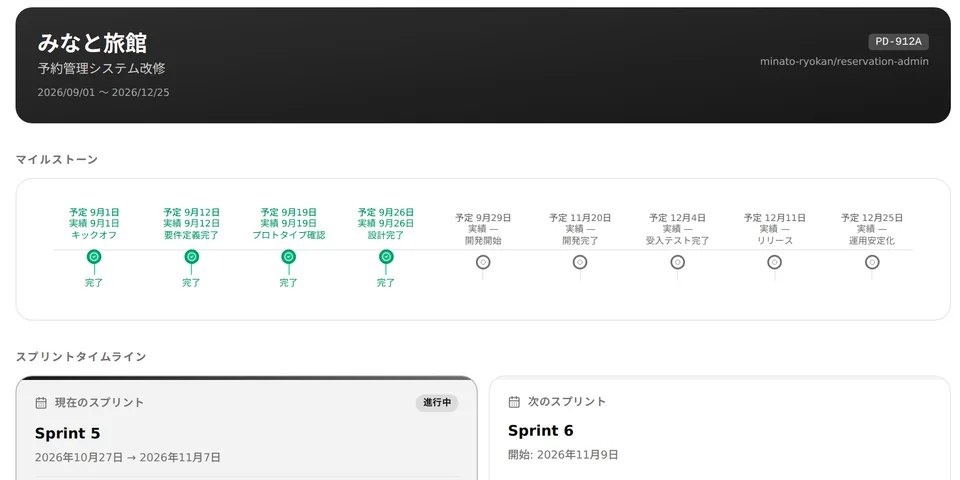
Development and release
We build in the development environment, release to production and test. Progress and test results are on screen at any time.
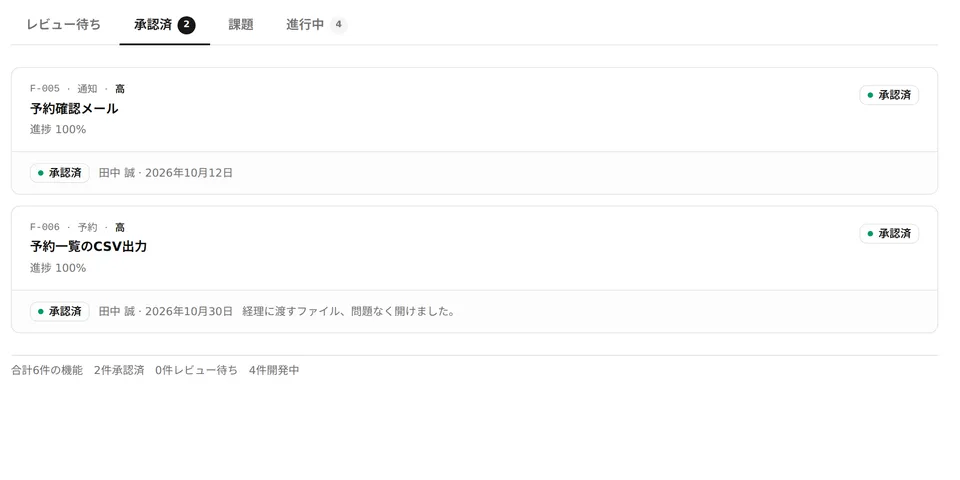
Acceptance and approval
After acceptance testing, delivery is complete when you approve each feature.
- Acceptance testing
FREE ESTIMATE
Free Estimates: Learn What to Build and the Cost Range on the First Call
Your requirements do not need to be settled. Tell us in a sentence what you want to build, and your project manager will sort it out with you.
More Screens You Can Use
Enter your name and email address to see the other 7 screens in action.
Frequently Asked Questions
How does the estimate work?
On a call with your PM, we look at what you want to build and the rough cost there and then. We then firm up the requirements and send a full estimate to your own screen. Everything up to the estimate is free.
Can we talk before our requirements are settled?
Yes. Your PM will sort them out with you.
Can we ask for additions or changes along the way?
Yes. Tell us in chat, and we register it as an addition or change and take it forward.
Do we need special software?
No. It works in the browser on a computer or smartphone.
Can several people at our company use it?
Yes. You can add members from your own screen.
What does “aligned with ISO 21500” mean?
It means our project management tool covers the practices set out in ISO 21500, the international standard for project management. The standard has no certification scheme.
Is our information handled securely?
We hold ISO/IEC 27001 certification and work by its procedures.
CASE STUDIES
Related Case Studies
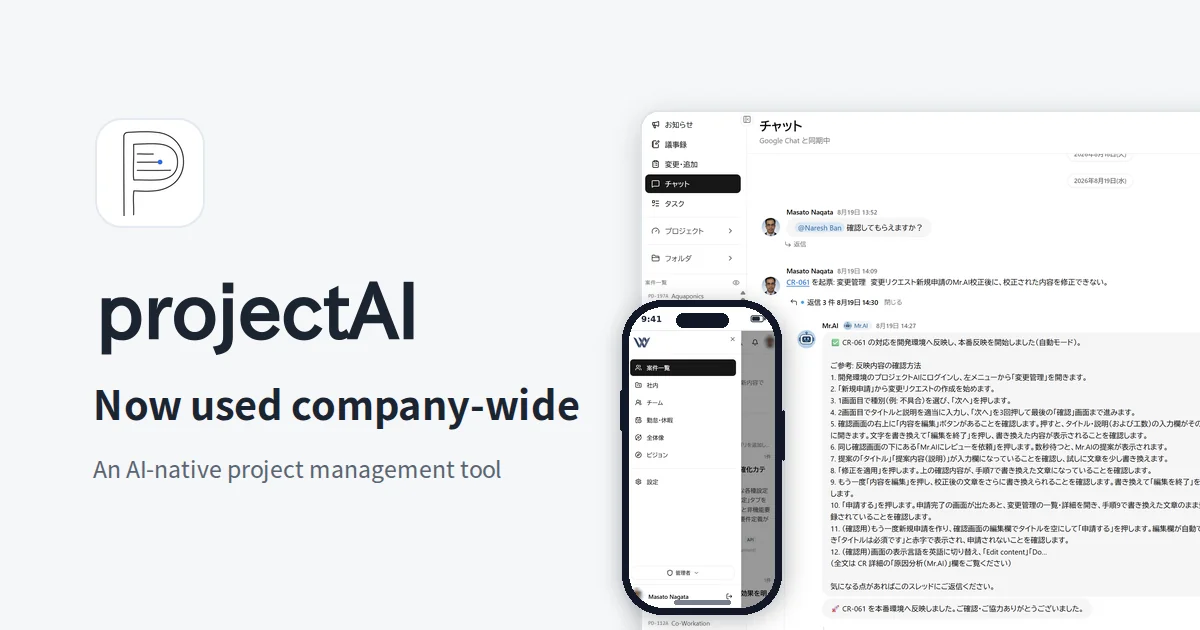
Company-Wide Operations of projectAI, Our In-House Tool with AI at the Core of Business Processes
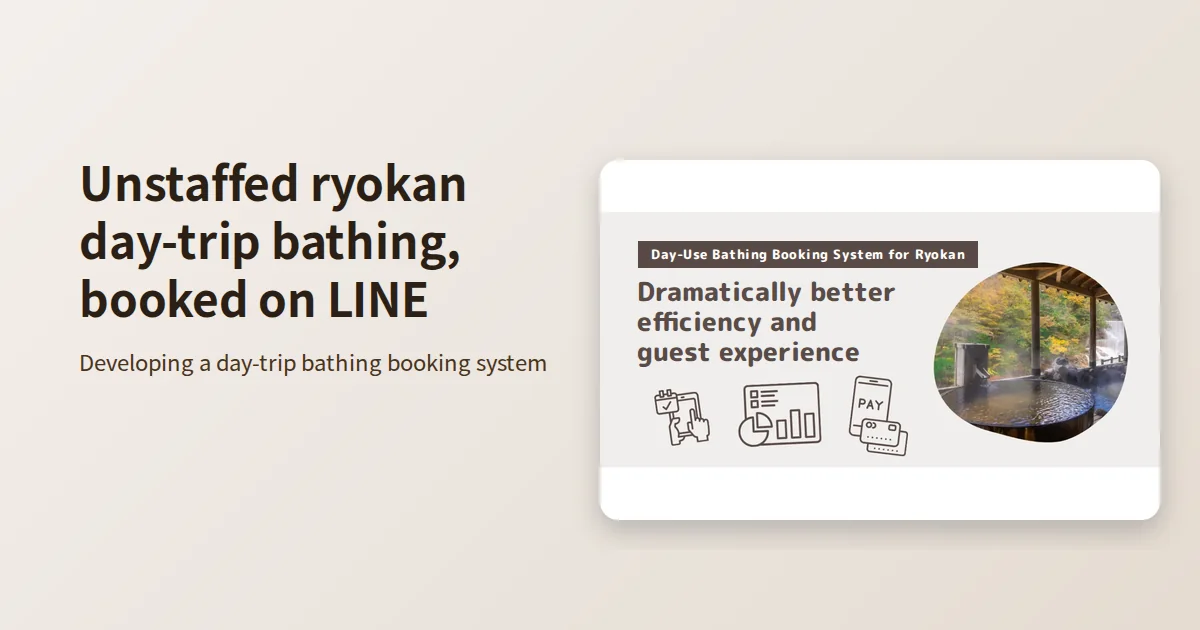
A System for Unattended Day-Use Bathing at a Ryokan, from LINE Booking to Completion
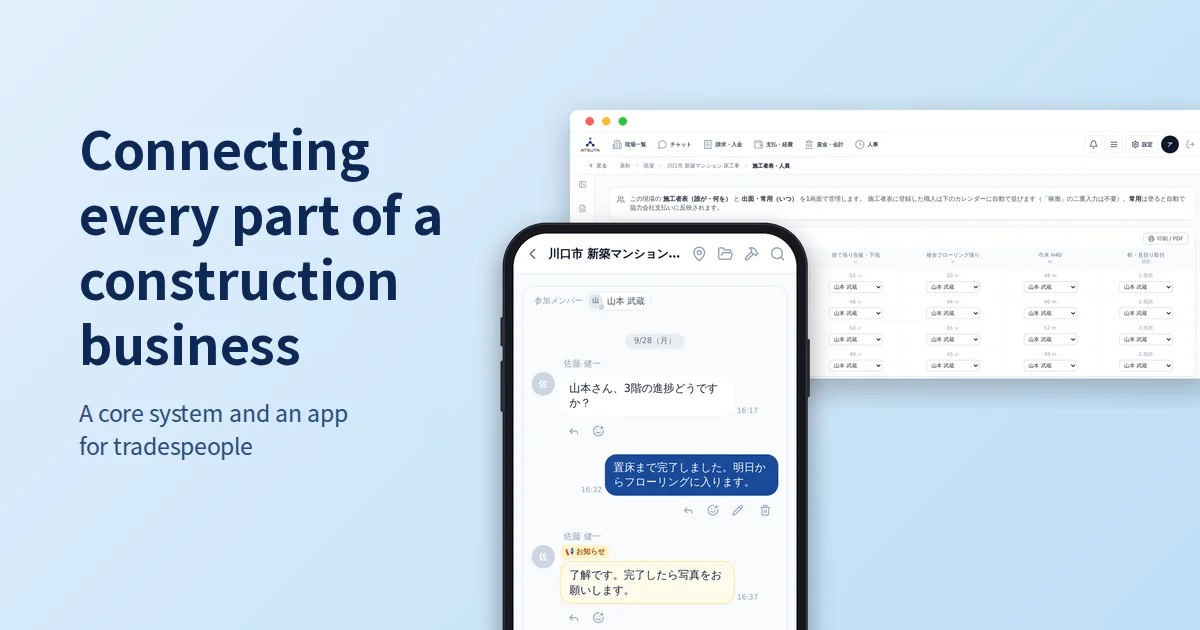
A Core Business System and Craftsperson App That Connect Every Operation of a Construction Company
Every service runs
on projectAI
Whatever you ask us to build, the process and your screens are the same.
- System DevelopmentFrom requirements to design, development and operation
- DX Promotion SupportFrom shaping the vision to implementation and in-house capability
- AI Implementation SupportFrom PoC to production and in-house capability
- Local LLM Setup & Implementation SupportFrom validation to the production environment
- PoC & MVP DevelopmentA first version, built on a focused scope