
projectAI Mobile App Now Available for iOS and Android
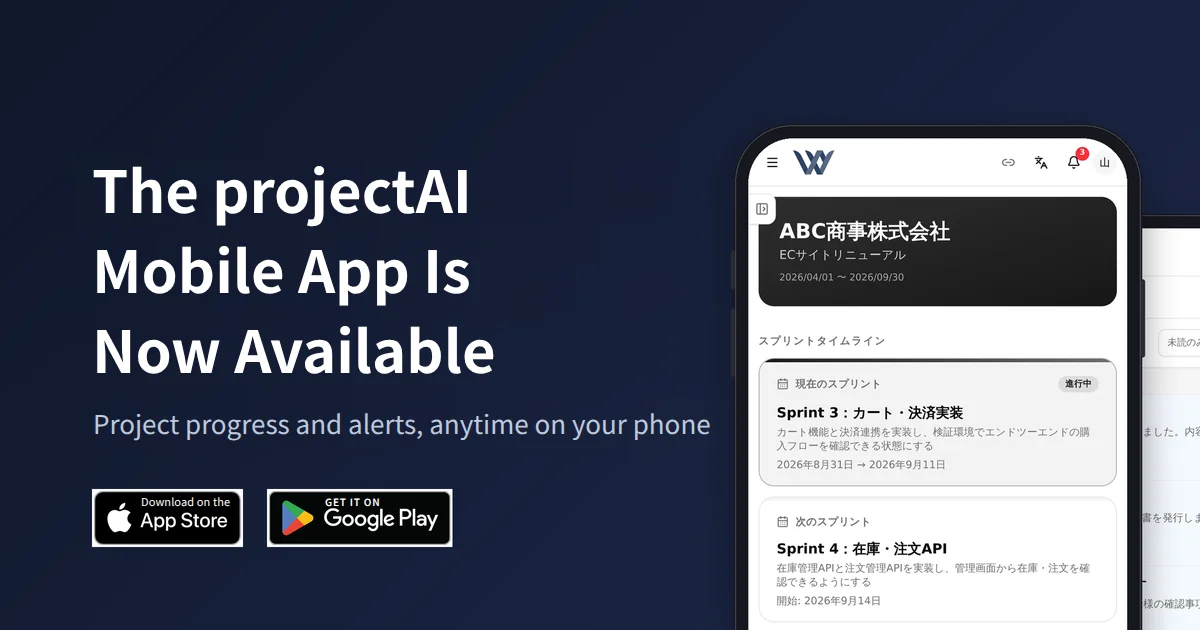
The mobile app for projectAI, the project management tool we develop in-house, is now available on the App Store and Google Play. Clients can check the progress of their projects and receive notifications from their phone, wherever they are.
Download the app from the links below (tap a badge to open the store).


- iOS: projectAI on the App Store
- Android: projectAI on Google Play
What the App Does
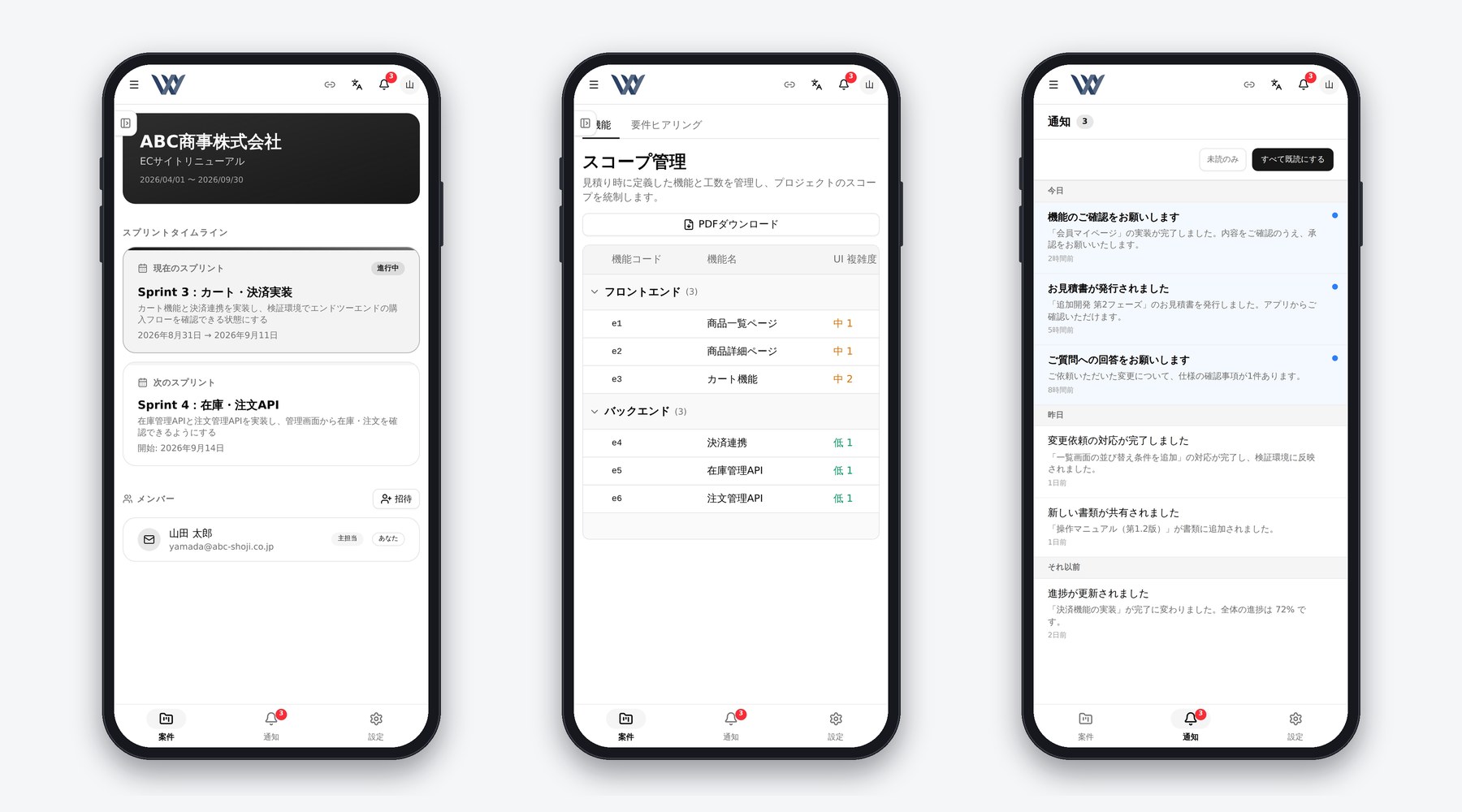
- Project list. See every contracted project and its status at a glance, with search and filters by priority and status
- Project detail. Task progress, implementation status per feature, sprint schedule, and team members
- Notifications. Push notifications for estimates and invoices, review requests, and progress updates. Tapping a notification opens the relevant screen directly
- Chat and documents. Conversations with your team and documents such as estimates and invoices, laid out for a phone screen
- Offline viewing. Recently viewed data stays available without a connection
Sign-in and Eligibility
The app is for clients with a development contract with us and an issued account. Clients sign in with a one-time code sent by email, so there is no password to manage. Our staff sign in with their company Google account. Data and permissions are the same as on the web, and clients see only their own projects.
Screen updates are applied automatically without waiting for store review, so improvements added on the web reach the app right away.
Background
projectAI manages requirements, features, tasks, quality, change requests, and meeting notes in one place, with our AI agent Mr.AI supporting day-to-day operations. Progress and deliverables have been shared with clients in real time through a dedicated portal. Requests to check progress while on the move and to receive notifications immediately led us to release it as a mobile app.
The app shares the same screens and infrastructure as the web version rather than being rebuilt for mobile. The project list, project detail, and notifications were optimized for phones, and we added push notifications, opening in-app screens from shared links, and automatic screen updates. Since release, we have continued to improve the phone layout of every screen, including chat, documents, and the portal.
For the full picture of projectAI and how it runs inside our company:
- Announcing projectAI, our in-house AI-native project management tool
- How a company changes when AI sits at the core of its work: the projectAI case study
Working With Us
projectAI is used as standard on development projects we take on. If you are interested in a way of working that includes visible progress and shared information with clients, please get in touch.
- Building business systems and SaaS with AI built in: System Development
- Putting AI to work in your organization: AI Implementation Support
- Driving DX across the organization: DX Promotion Support